

Smart home lighting is transforming how we illuminate our homes—making lighting more efficient, customizable, and intelligent. Whether you want energy savings, better control, or mood-enhancing scenes, smart home lighting can drastically improve comfort and convenience. But to get real value, it pays to understand both the benefits and potential pitfalls before jumping in.
Key Takeaways
- Smart home lighting, especially with automated LED systems, can cut household lighting energy use by up to 80%—translating to considerable savings every year.
- Premium systems stand out with adaptive dimming, color control, sensor automations, and seamless integration with Alexa, Google Home, and Apple HomeKit.
- Watch for pitfalls like compatibility headaches, possible connectivity issues, and unclear long-term costs before investing.
- What Is Smart Home Lighting and Why Does It Matter?
- How to Set Up Smart Home Lighting: Step-by-Step Guide
- Advanced Analysis & Common Pitfalls
- Conclusion
- Frequently Asked Questions
What Is Smart Home Lighting and Why Does It Matter?
Smart home lighting refers to LED lights, bulbs, switches, and control systems that can be automated, scheduled, and remotely controlled using apps or voice assistants. Unlike traditional lighting, smart systems allow you to change brightness and color, turn lights on or off remotely, or run custom lighting schedules—all from your phone or by asking Alexa or Google Assistant. The result is better energy efficiency, convenience, and improved comfort.
The market speaks volumes: in 2024, the global smart lighting industry is valued between USD 16.8 and 22.45 billion, with forecasts predicting exponential growth due to widespread adoption and the push for energy-efficient tech [Source]. North America leads the pack, with retrofit installations making up nearly 59% of deployments and over 69 million smart home device users in the US alone [Source].
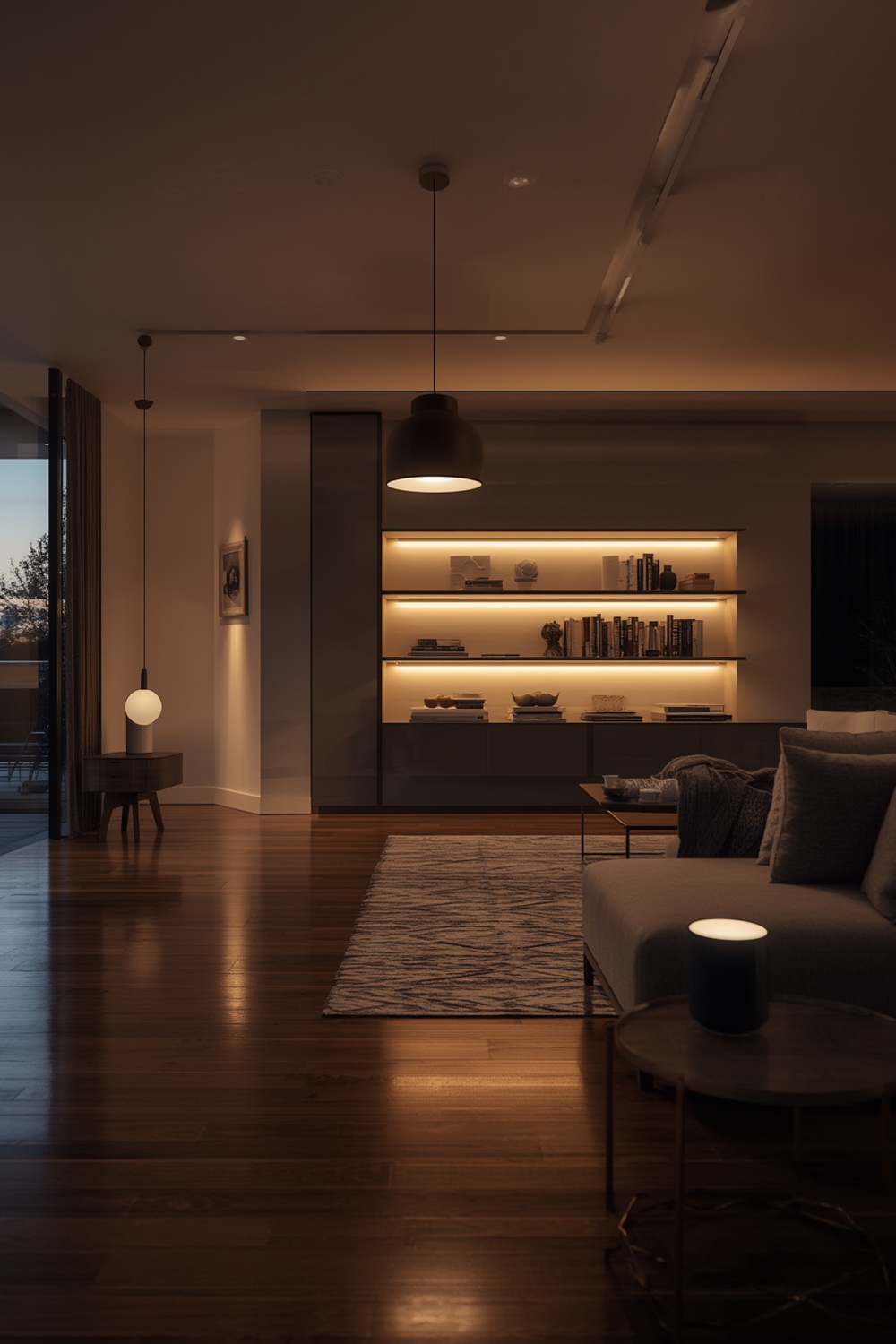
Energy savings is at the heart of why smart lighting matters: LED-based smart systems, with automation and sensors, can cut lighting energy consumption by 50–80% compared to old-school bulbs. This doesn’t just save dollars—it’s a meaningful step in reducing a home’s carbon footprint. If you’re combining smart lighting with kitchen upgrades or energy-efficient windows, you’ll see even more impact throughout your home.
Plus, smart home lighting is often the entry point for broader smart home ecosystems, making features like remote control and sophisticated automation accessible—even if you’re just starting out, or adding it as part of a walk-in pantry renovation or larger remodel.
How to Set Up Smart Home Lighting: Step-by-Step Guide
Ready to make the switch? Here’s a simple, realistic step-by-step process for a successful smart home lighting upgrade that leaves no room for frustration.
- Assess Your Needs and Goals
Decide what you want to achieve—energy savings, mood lighting, convenience, security, or a combination. Make a quick room-by-room list. Sometimes, targeted upgrades (like pantry shelves or outdoor entertaining) make the biggest difference. - Inventory Your Existing Lighting
Check bulb fittings, fixture types, and current wiring. Retrofit bulbs and smart switches work for most homes, but double-check compatibility—especially if you have dimmer switches, three-way circuits, or unique fixtures. - Choose Your Platform and Products
Select a smart home platform: Alexa, Google Home, or Apple HomeKit. Stick to brands that list direct compatibility. Premium smart bulbs and switches—such as those from Philips Hue, LIFX, or Nanoleaf—offer better color accuracy, reliability, and app features. - Decide on Wired vs. Wireless
Wireless systems are easiest for DIY upgrades and renters—no rewiring needed. Wired systems can be more robust and reliable in large homes or complex installations, but may require professional help. - Install and Configure Lights and Switches
Install bulbs, switches, or LED strips per manufacturer instructions. Use the app for each device to connect to your Wi-Fi or hub and test the controls. - Set Up Automation and Scenes
Use app functions to create schedules (e.g., “turn on porch lights at sunset”), set scenes (like “movie mode”), or trigger lighting based on sensors (such as “turn on pantry light when cabinet opens”). Experiment to balance automation and manual control. - Integrate Voice Control and Remotes
Link your system to Alexa, Google Assistant, or Siri. Test out voice commands—e.g., “Alexa, dim kitchen lights to 30%.” For added convenience, keep a wireless remote in each high-traffic area. - Monitor, Adjust, and Expand
Regularly check your usage and system reliability. Adjust automations and tweak for comfort or energy savings. As you get familiar, expand to more rooms or outdoor spaces like an outdoor kitchen or enclosed porch.
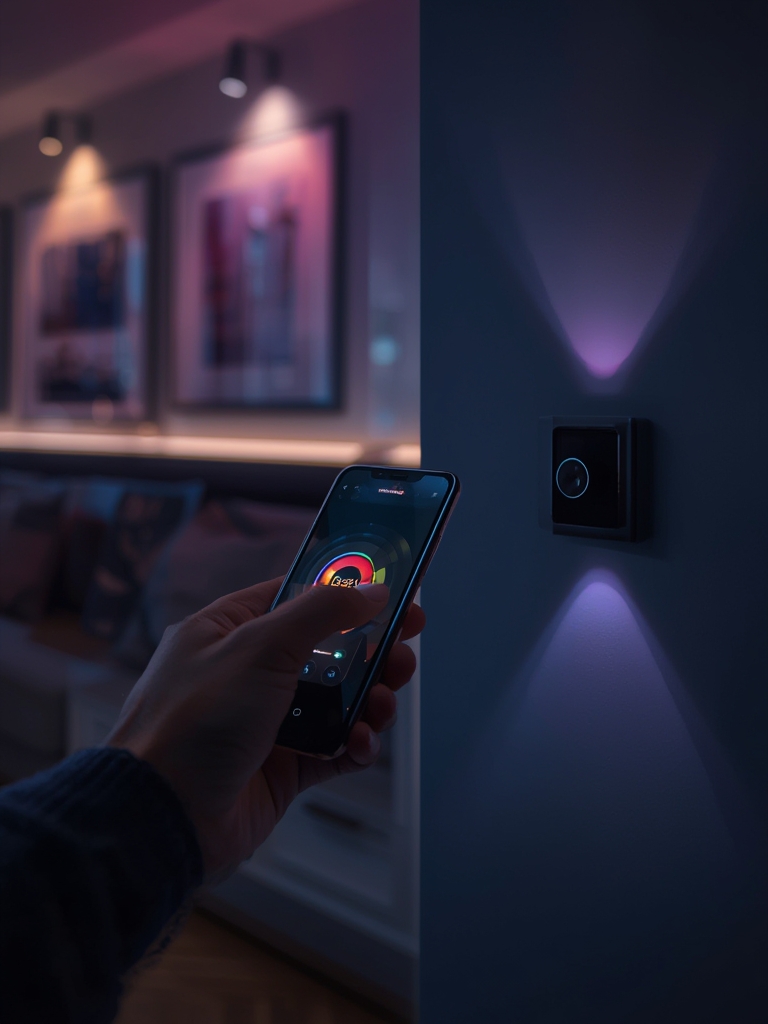
For more installation insights, you might explore proven tips for smart garage door openers and see how system compatibility and automation can boost your home’s overall efficiency.
Advanced Analysis & Common Pitfalls
Despite the rapid growth and impressive claims, smart home lighting has its fair share of drawbacks. Being aware of these issues from the start helps prevent frustration (and wasted money).
Common Pitfalls to Watch For
- Compatibility Confusion: Not all smart bulbs or switches work with every platform. Double-check that your chosen devices support Alexa, Google Home, or Apple HomeKit natively. Some budget brands use proprietary apps and don’t always play well with others.
- Unclear Long-Term Costs: While smart bulbs save on electricity, multi-room upgrades can add up—with possible extra costs for hubs, switches, and premium features. Some brands offer optional subscriptions for advanced scenes or remote control away from home, so factor this in.
- Reliability and Connectivity: Wireless systems are convenient, but Reliability and Connectivity Wi-Fi disruptions or overloaded networks can lead to “offline” devices or unresponsive apps.
- Complex Setup for Large or Older Homes: If you have a lot of circuits, three-way switches, or thick walls, setup might require professional help or a mesh-system approach.
- Lack of Standardization: Some ecosystems still lack full “plug and play” standards, forcing users to juggle multiple apps or limit future upgrade choices.
Feature Comparison: Basic vs. Premium Systems
| Feature | Basic Smart Bulbs/Switches | Premium Automated LED Systems |
|---|---|---|
| Energy Savings | 50–60% | Up to 80% (with advanced sensors & automations) |
| Dimming Range | Limited, sometimes flickers | Smooth, wide-range adaptive dimming |
| Color Customization | Few static colors | Full-spectrum (16 million+) with dynamic scenes |
| Remote/App Control Distance | Bluetooth/fixed Wi-Fi (limited range) | Wi-Fi, Zigbee, Thread, remote scheduling from anywhere |
| App Compatibility | Often proprietary apps only | Multi-platform (Alexa, Google Home, HomeKit, IFTTT) |
| Sensor Integration | No or basic timers | Motion, daylight, and occupancy sensors for automation |
| Installation | Plug-n-play bulbs | Wide range: wireless, hardwired, panel controls (may need pro installer) |
Other Issues to Expect
- Firmware Updates: Expect periodic app or device updates—sometimes essential for performance but can cause temporary disconnects or require re-pairing devices.
- Privacy and Security: Always secure your home network and devices, especially when exposing lighting controls to voice assistants or when setting up routines that control exterior lights.
- Learning Curve: There’s a short learning curve and some trial and error before automations feel seamless. Start small and build confidence before going all-in.
Most of these pitfalls can be managed with careful planning, testing in one room first, and sticking to well-supported brands. For more guidance on boosting energy efficiency across your home, see our energy-efficient windows guide.
Conclusion
Smart home lighting can dramatically improve your quality of life—delivering energy savings, comfort, and greater control throughout your day. But it pays to research compatibility, installation needs, and long-term costs before investing. Start small, focus on reliability and flexibility, and you’ll reap the most benefits from your next smart home lighting upgrade. Ready to light up your space the smart way? Explore reputable brands, test with a single room, and let the automation begin. For tailored tips, don’t miss our deep dives on indoor-outdoor living upgrades and clever pantry lighting solutions.
Frequently Asked Questions
How much energy can I save with smart home lighting?
Switching to automated LED smart lighting can reduce your lighting energy bill by 50–80%. That’s typically $150–$225 per year in savings for the average home. These savings come from efficient LED bulbs and automated controls that ensure lights are only on when needed. [Source]
Do I need to replace all my bulbs and switches?
No, you can start small with just a few smart bulbs or switches in your most-used rooms. Many systems allow mixing traditional lights with new smart devices, so you can expand at your own pace and budget.
Are smart home lighting systems hard to install?
Most plug-and-play smart bulbs are DIY-friendly. smart switches may require a neutral wire and a bit of electrical know-how, but many homeowners can handle a simple swap. Larger projects or hardwired systems may require a professional installer.
What are the biggest challenges with smart lighting?
Common issues include compatibility mismatches (not all products work with every platform), Wi-Fi connectivity hiccups, firmware updates causing temporary device disconnects, and the potential need for extra hubs or bridges for full home coverage.
Does smart home lighting work outdoors or in specialty spaces?
Yes. Many brands offer weatherproof smart bulbs and motion sensors perfect for patios, driveways, or security scenarios. For specialty spaces like a pantry, garage, or butler’s pantry, choose low-profile, wireless LED strips or battery-powered smart switches for hassle-free installation.